Take A Quick Tour
File Explorer ()
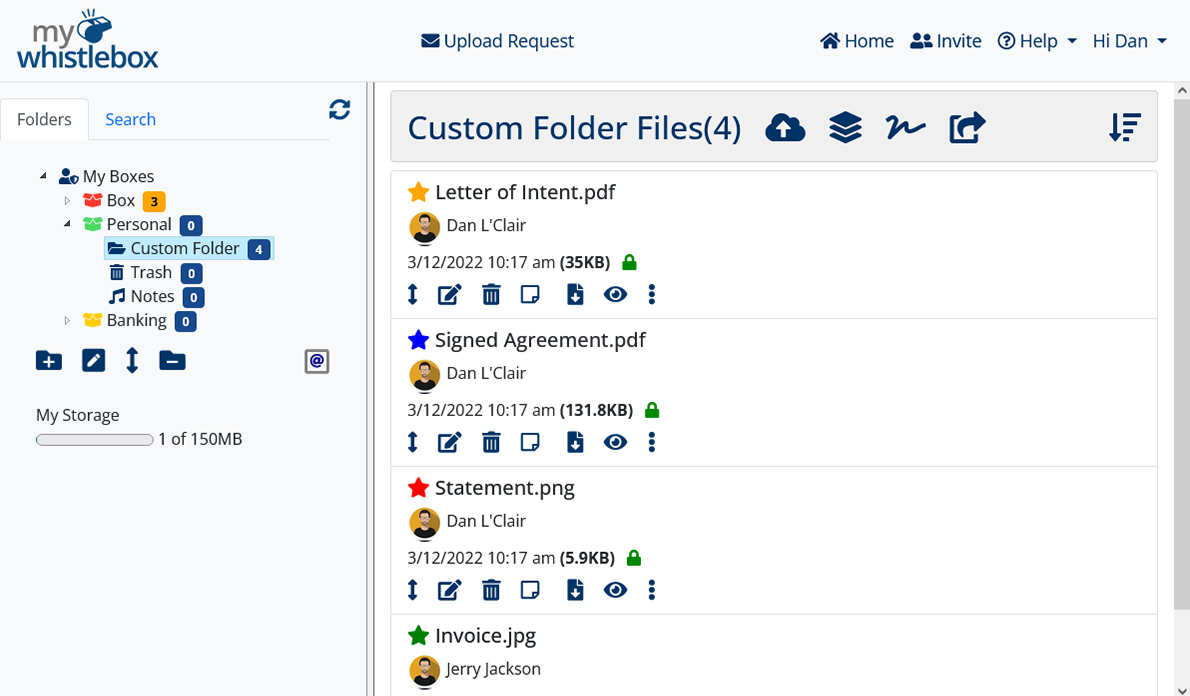
Tour
Folder Pane ()
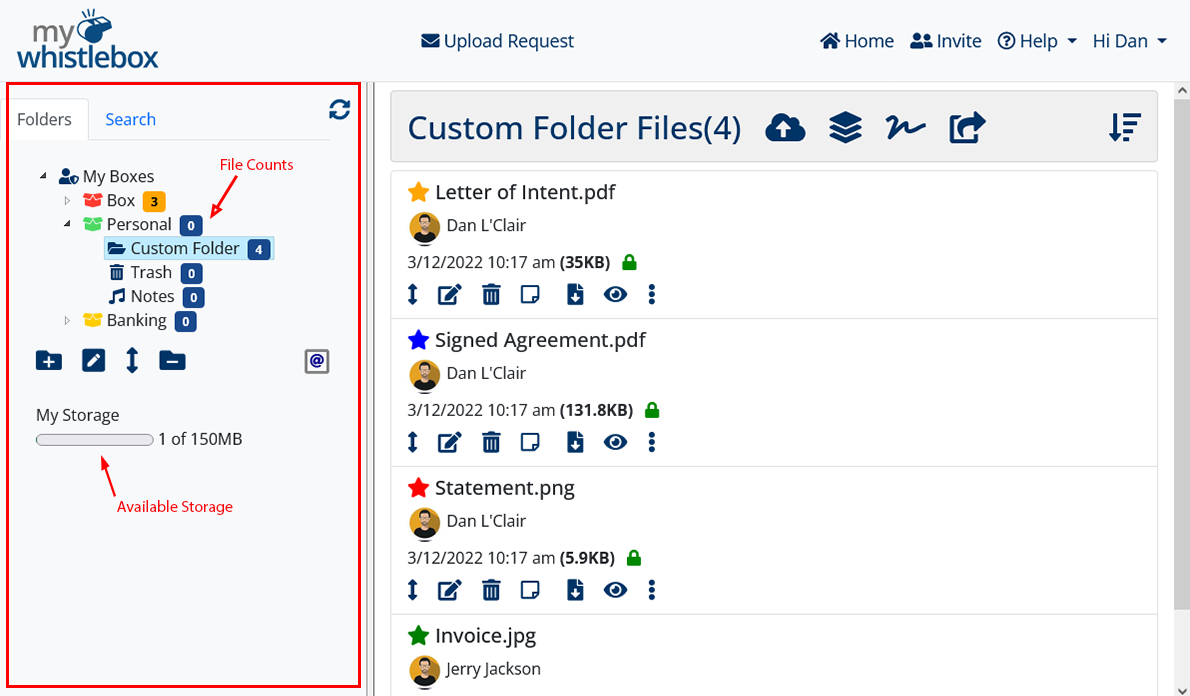
Tour
Folder Actions ()
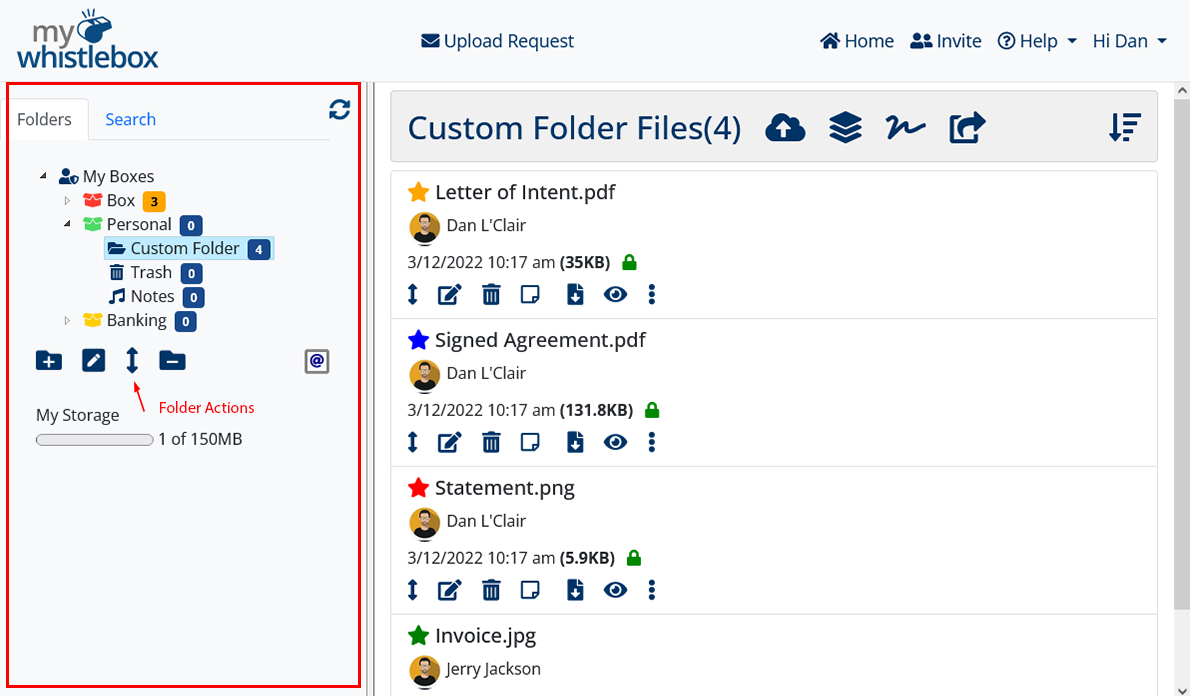
| Add a new folder | |
| Rename the highlighted folder | |
| Move selected folder | |
| Remove an empty folder | |
| Empty contents of Trash folder |
Tour
File Pane ()
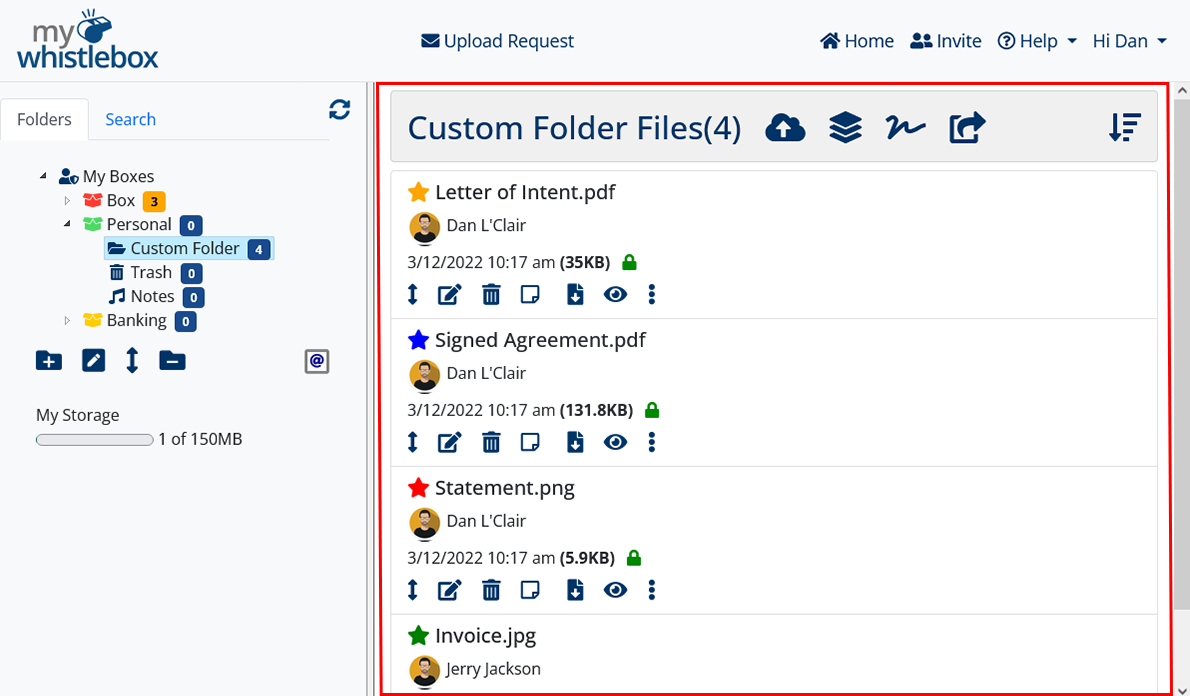
Tour
Folder Bar ()
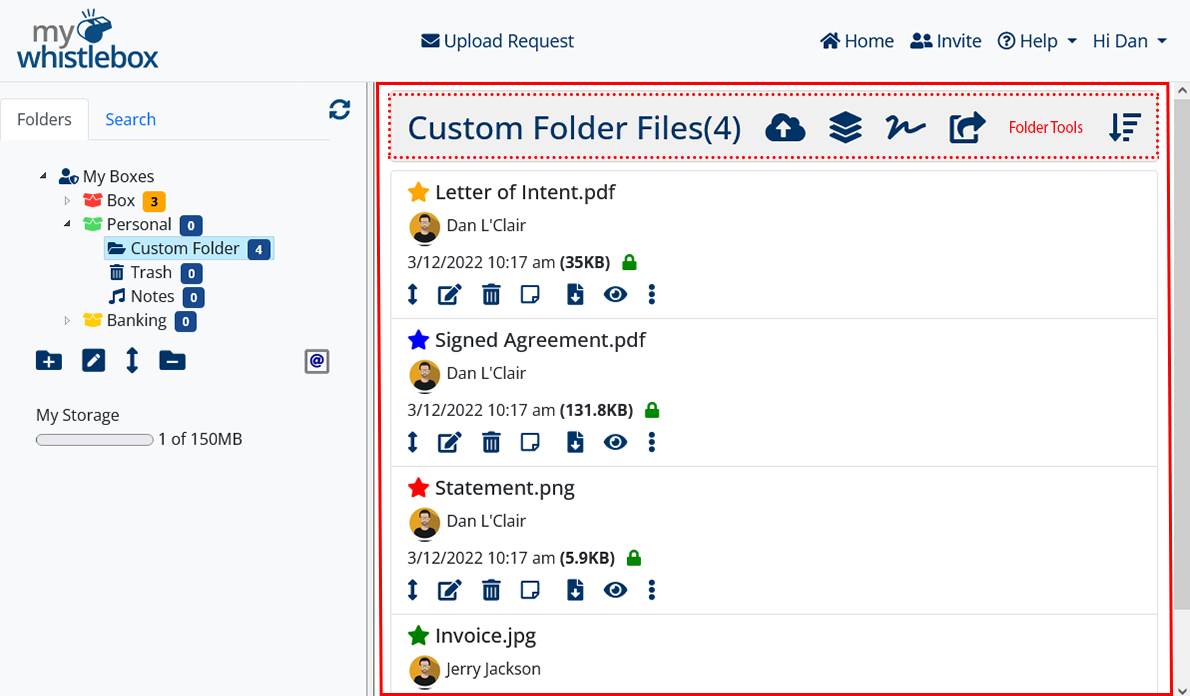
| Upload tool | |
| PDF combine and convert tool | |
| Signature Request Tool | |
| Send File Tool |
Tour
File Details ()
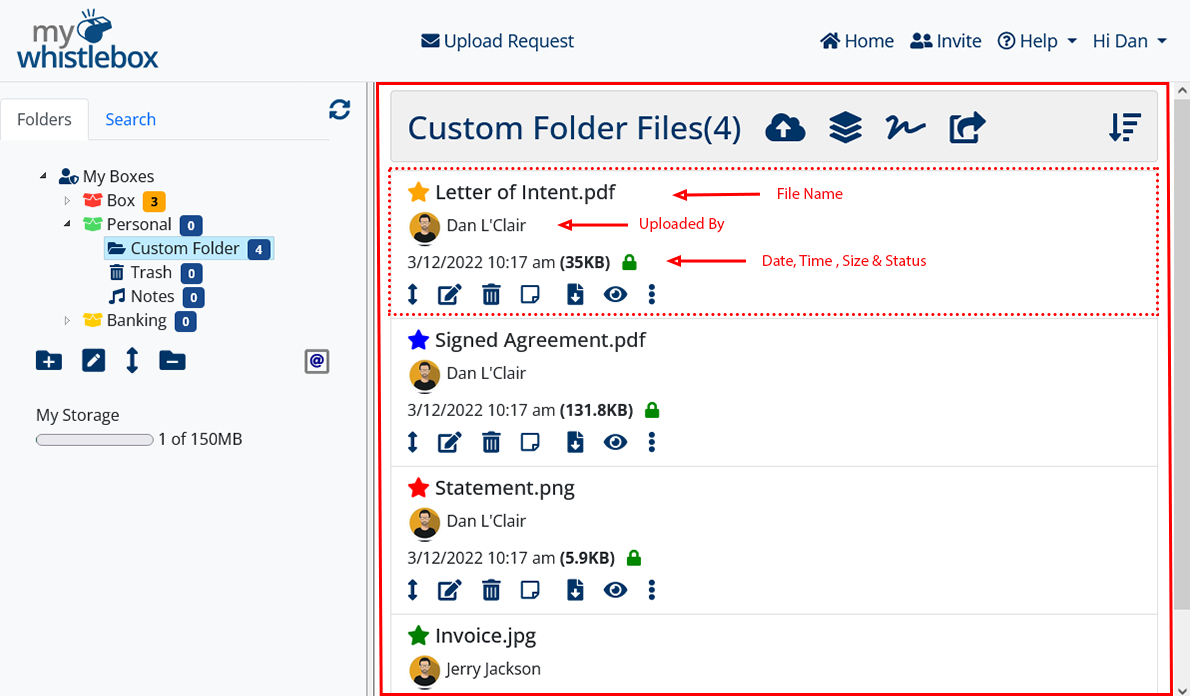
Tour
File Actions ()
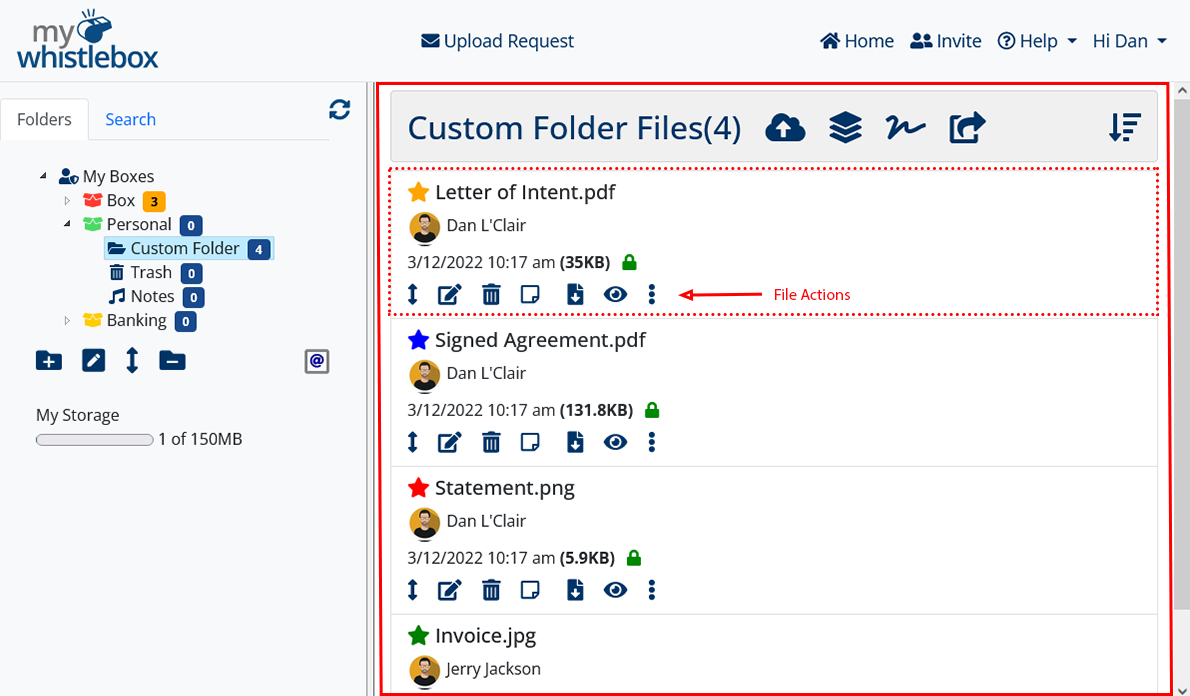
| File download | |
| File Preview | |
| Move file to another folder | |
| Edit the file name | |
| Send file to another WhistleBox account | |
| Move file to the trash folder | |
| Delete file (Trash folder only) | |
| File notes | |
| Action Menu (More Options) |
Tour
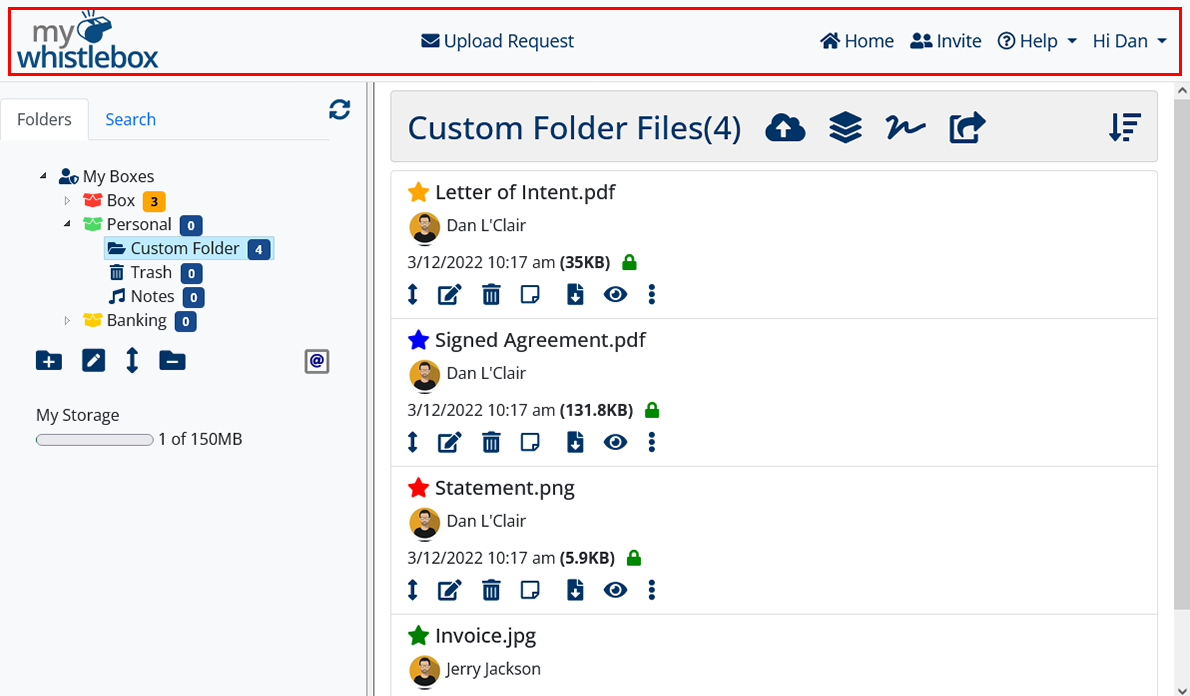
Menu Bar ()
Tour
Public Uploads ()

From the MyWhistleBox.com home page, they can click the Upload button and follow the instructions. They will need you to provide your WhistleBox Address which by default is /[Box Name].
(OR)

To make it easier to request documents from someone, you can also send them an Upload Request containing a private WhistleLink to your upload page. Once at the upload page, they can simply drag & drop files and securely upload to your WhistleBox. This method doesn't require you to provide your WhistleBox Address.
Neither method requires the other party to have a MyWhistleBox account.
We encourage you to try both methods on your own account to see how they work. To test the Upload Request, simply use your own email address.